



We are excited to introduce our brand new online customer portal. Designed to make your life easier, this portal gives you the freedom to manage your propane needs as you wish, 24/7.
You will need :
1. Your customer number (you can find it on your last invoice)
2. The email associated with your account
3. The last 4 digits of the phone number we have on your account
NEED ASSITANCE?
Contact us by sending an email to:
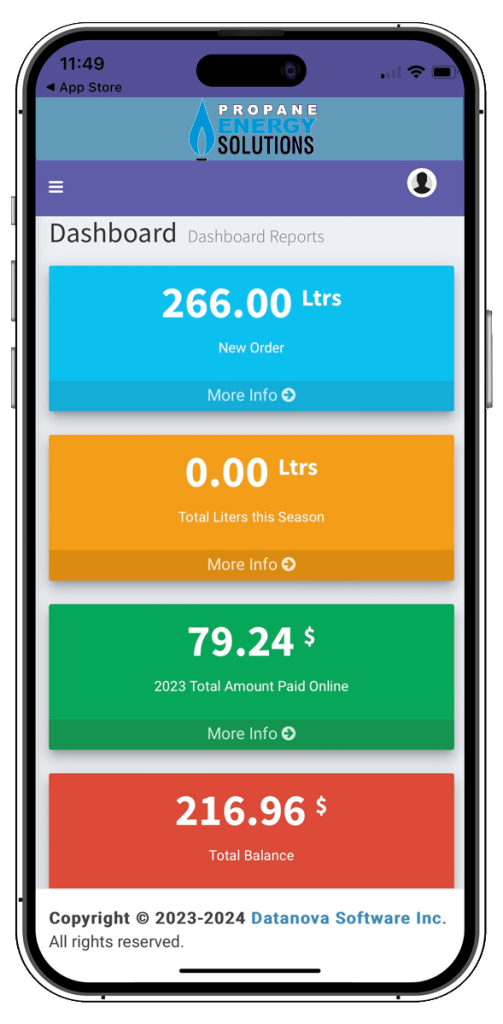
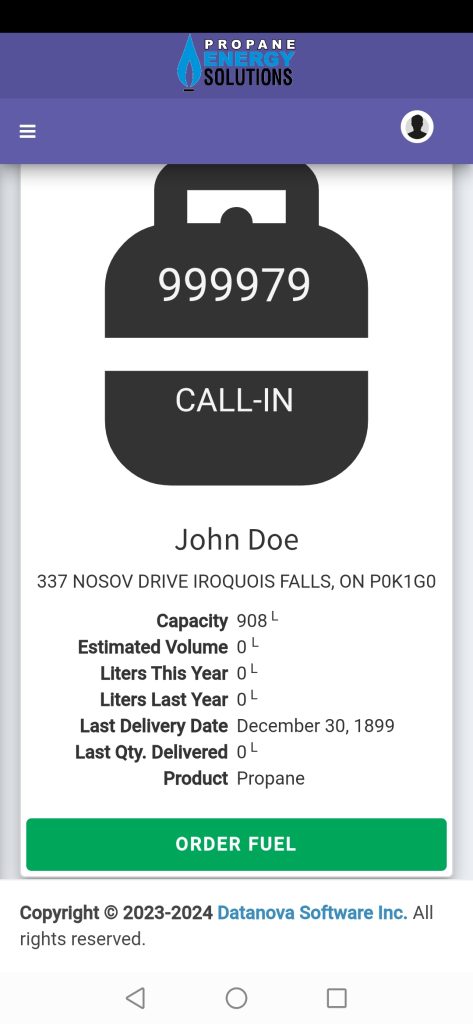
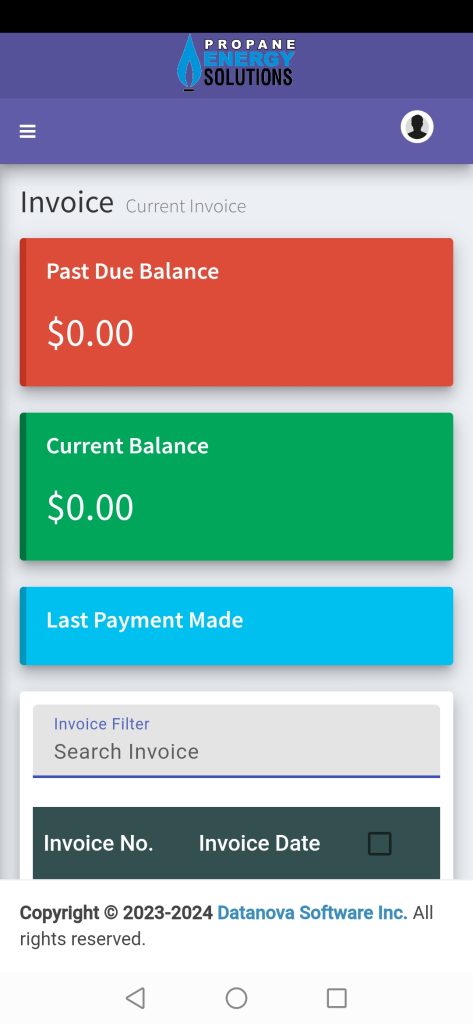
APP FEATURES
Download the App today.
APP INSTRUCTIONS
Download Propane Energy Solution’s AirStatement app on your phone or visit our website, https://propaneenergysolutions.com and click on the link.
Click on “Create an account,” enter your account information and click on “Validate.”
*Note: If there is more than one email associated with your account, only the primary email will work. Please call us if you want to confirm the email identified as the primary email.
Click on “Continue” to validate your account.
You will then receive an email from Datanova containing your username and password.
*Note: if you don’t receive the email, check your junk mailbox!
Then click on “Sign in to my account” using the username and password provided in the email.
You’re now in your customer portal and ready to navigate!
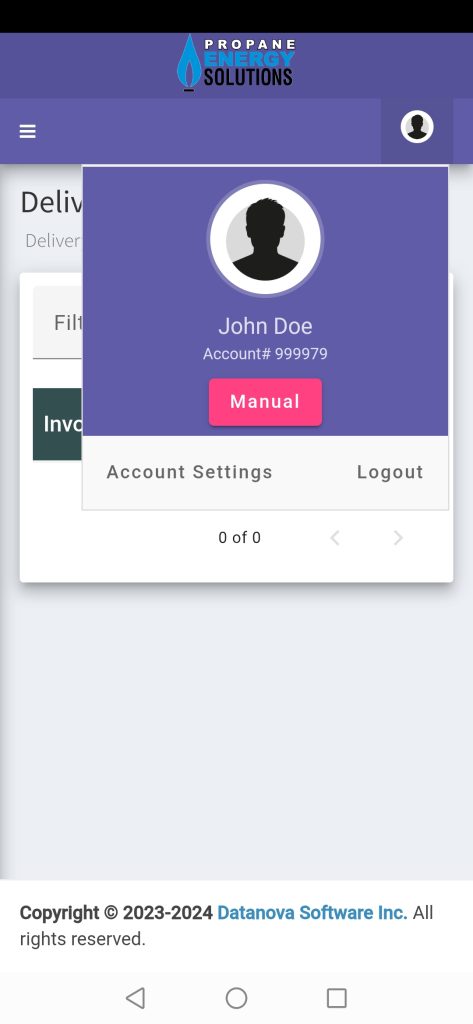
To view your dashboard, click on the three small lines.
To view your profile, click on the little face icon.
If you’ve already created your account but have forgotten your username and password, simply open the application, click on “Recover my account,” enter your information and click on “Validate.” You will then be prompted to reset your account.
Once you click on “Reset account,” you’ll receive an email containing a code to recover your account!
Take this code and enter it. You will then receive another email containing your username and password! You can now log in to the application as normal.
If you don’t receive the email, or if you still can’t access the portal, send an email to info@propaneenergy.ca.